EventsPRO for visitors
Events PRO – event app
Register for the event as a visitor. Events PRO is available to registered event visitors. Please make sure you have registered for the event before getting started.
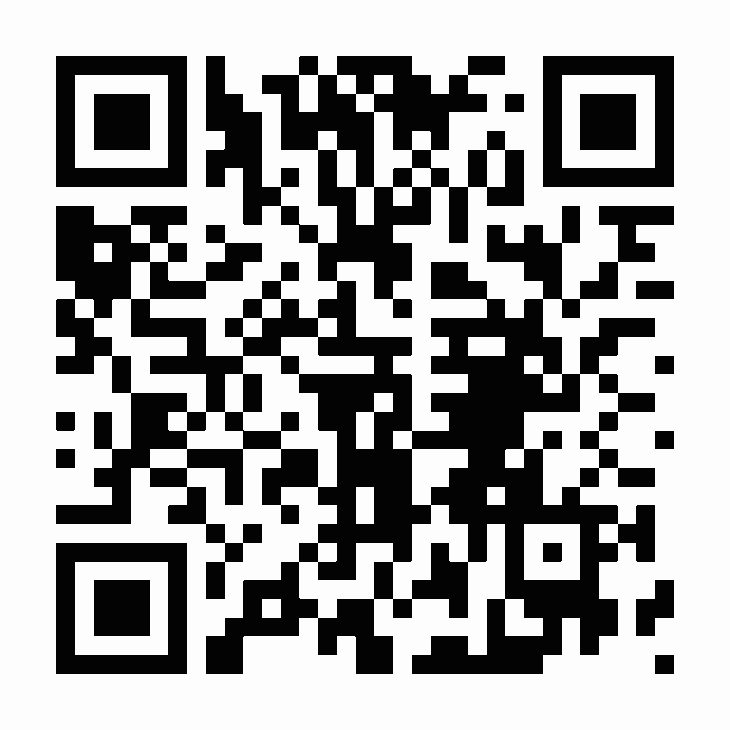
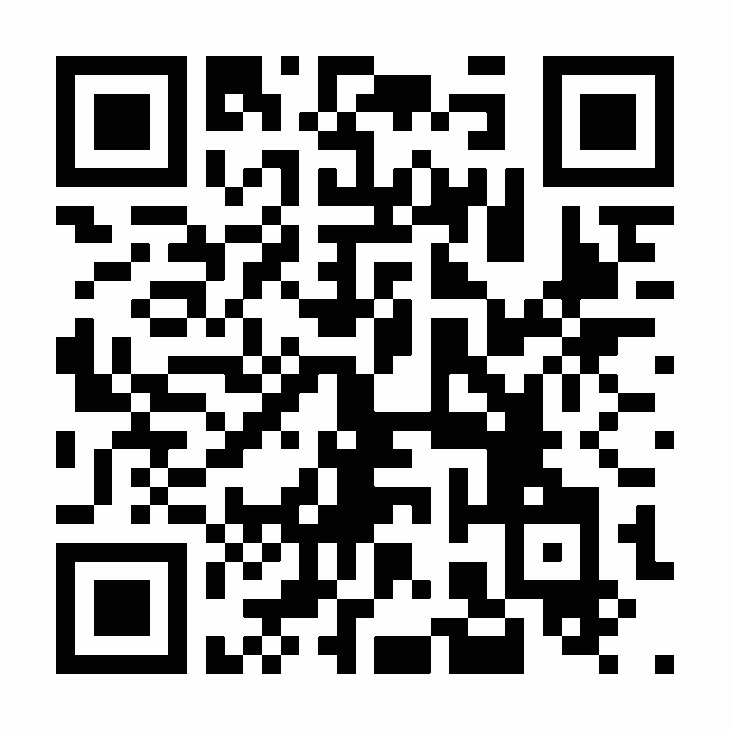
Download the free Events PRO app. Download the app from the app store below, scan the QR code, or search for Events PRO Messukeskus&Expomark in your app store.
Log in. Use the same email address you used to register for the event or order your exhibitor pass.
Join the event and complete your profile. Select + Join Event in the top-right corner of the app and enter the personal event code sent to your email. The invitation will be sent approximately 4 weeks before the event by Events PRO.
Don’t have the Events PRO app yet? Here’s how to get started:
We recommend downloading the Events PRO app. Click the app store icon below and scan the QR code to download the app, or search for EventsPRO Messukeskus&Expomark in your app store.
If you are using the app for the first time, join the event using the personal join code sent to you by email. Select +Join Event from the top menu and enter the code included in your invitation email.
If you have used the app before, sign in with your email address and the password you created previously. Make sure to use the same email address to which your invitation was sent.
Download the app below:
Google Play Store & Apple Store